Start with a recurring problem, not a product list
The best tool for a small business is the one that improves a real process at an acceptable cost. Before browsing features, write down one repeated task: preparing a first draft, organizing customer follow-ups, summarizing meeting notes, or turning an existing article into a short video. Identify who does it, how often it happens, and what a satisfactory result looks like.
Choose a narrow pilot. “Improve marketing” is difficult to evaluate; “prepare a weekly email draft from an approved brief” gives you a concrete input, output, and reviewer. Record the time currently spent on the task, including review and correction. An AI tool that produces a draft quickly can still create extra work if someone must repair it.
Make a shortlist around fit
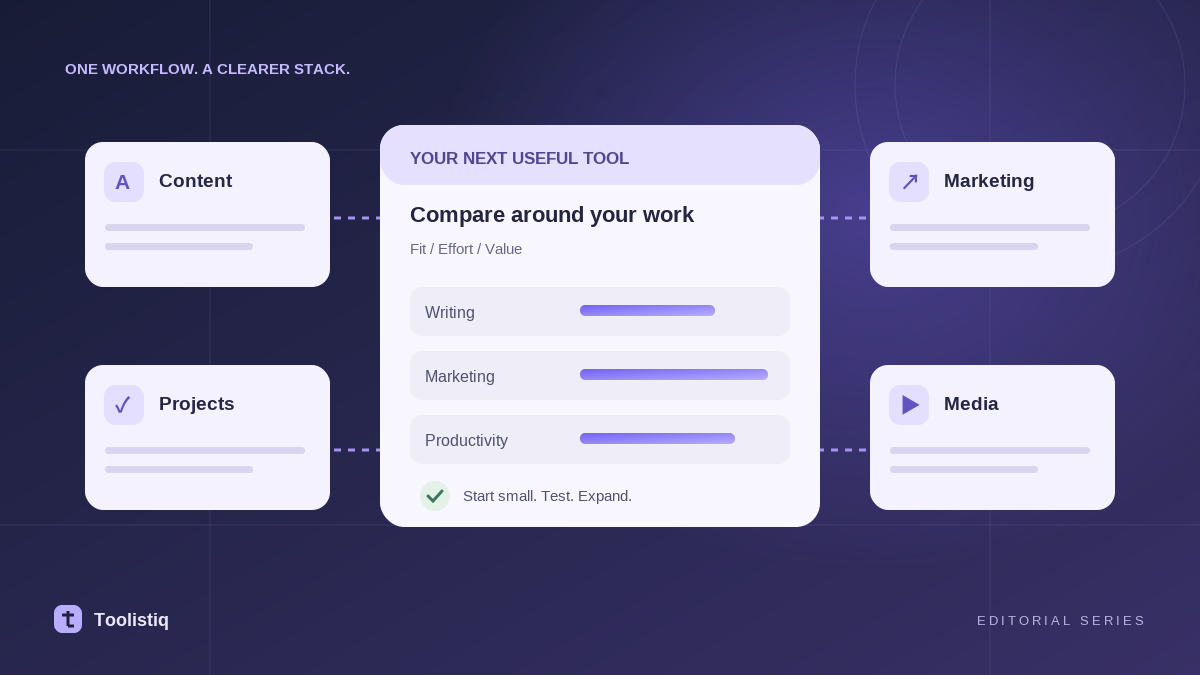
Start with the category that matches the task. Writing tools may suit drafting and rewriting, while marketing platforms can add distribution and campaign workflows. Productivity tools organize work; automation tools connect repeated steps. These categories overlap, so inspect the actual features rather than treating the label as a guarantee.
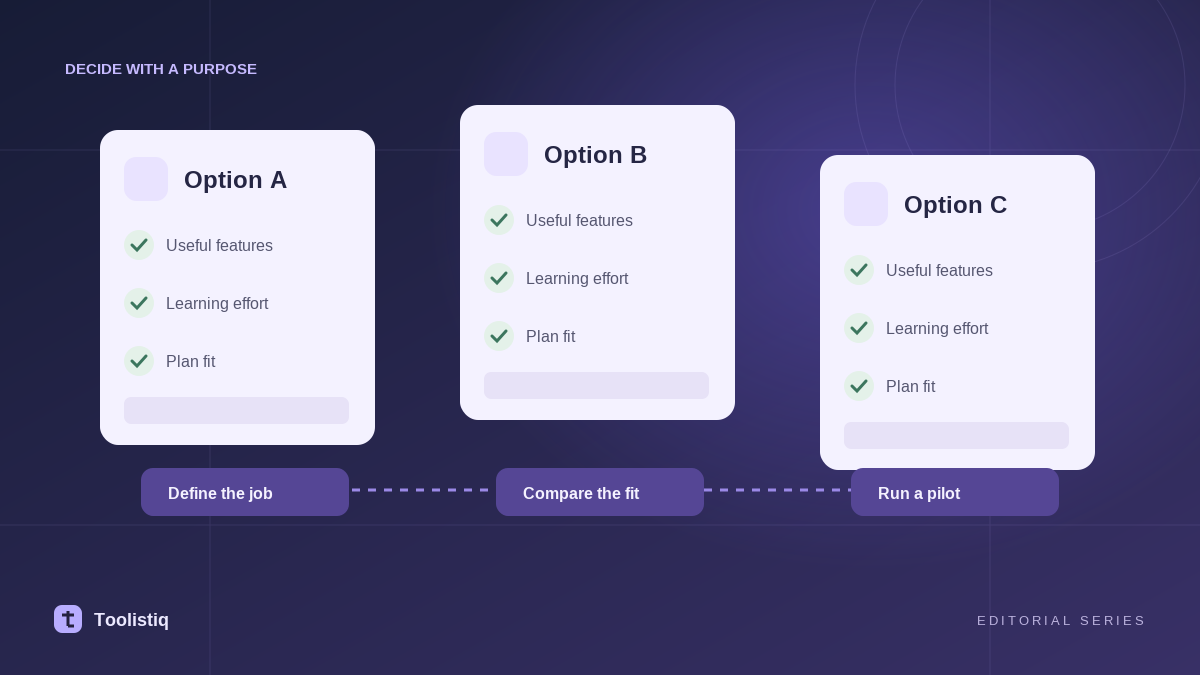
Compare two or three options using the same brief. Look for inputs your team already has, outputs it can use, and integrations it genuinely needs. A tool with fewer features can be a better fit if it is easier to learn and reliably covers the pilot. Do not buy a broader suite solely because it might be useful someday.
Calculate the cost of a usable result
Monthly price is only the starting point. Check seat limits, credits, export restrictions, storage, usage caps, and whether useful features belong to a higher tier. If a plan is billed annually, compare the total commitment as well as the advertised monthly equivalent. Verify current terms on the provider’s website.
Include staff time. A simple estimate is subscription cost plus setup time plus ongoing review time. Ask whether a free plan supports a meaningful pilot or merely a limited demonstration. Before starting a trial, note its end date, cancellation process, and any automatic conversion to a paid subscription.
Decide what data the tool can receive
Avoid using confidential customer records in an initial test. Use invented or appropriately redacted material until you understand the provider’s data handling and your own obligations. Review whether submitted content is retained, used for training, accessible to team members, or shared with subprocessors. Ask the provider when the documentation does not answer your question.
Set an internal boundary for acceptable use. Decide which tasks require human approval and which data must stay out of the tool. Treat generated claims, financial figures, citations, and customer-facing messages as material to verify, not automatically publish. A review checklist is more useful than a vague instruction to “be careful.”
Run a small, reversible pilot
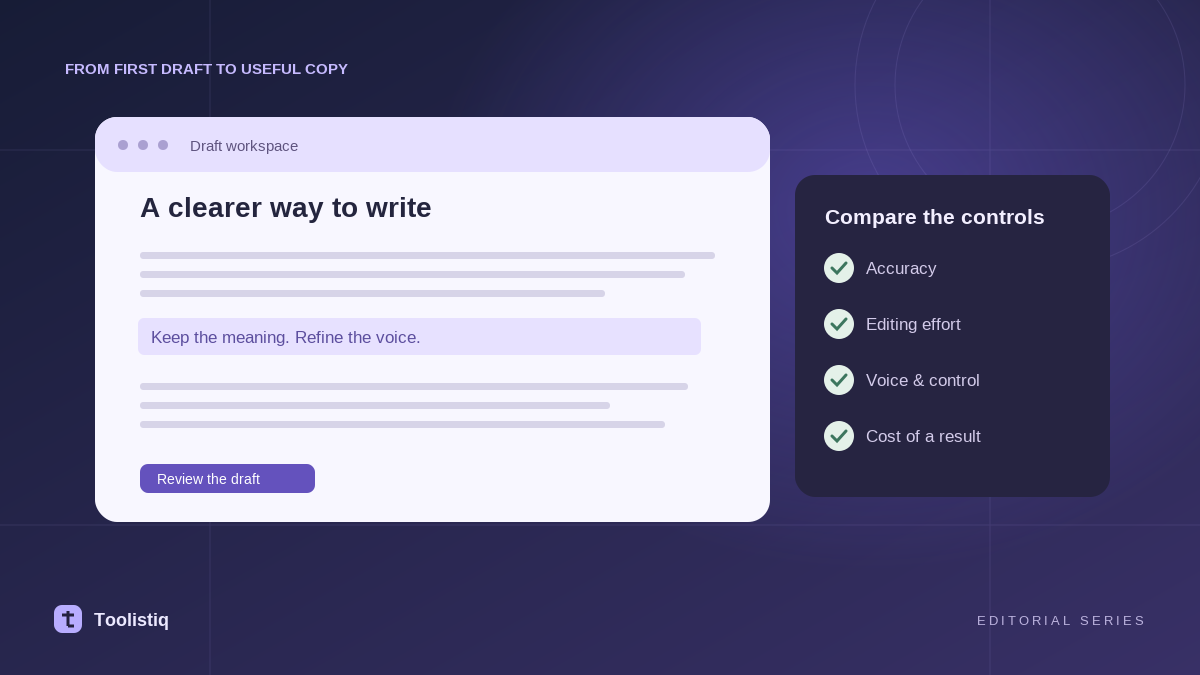
Use representative examples, including at least one difficult case. Score results against criteria established beforehand: accuracy, usefulness, review time, consistency, and compatibility with the next step in your workflow. Let the person who will use the tool evaluate it, rather than choosing from a polished demo alone.
At the end of the pilot, decide to adopt, extend the test, or stop. Keep source files in a format your business can export and reuse. Check how to cancel and retrieve work before committing to a long contract. Start with one successful workflow, then expand only when you can explain the benefit.