A useful stack starts with a business problem
For small business owners, entrepreneurs, creators, and lean teams, writing copy, following up with customers, coordinating work, and producing useful content compete for the same limited time. AI and SaaS tools can support these jobs, but a growing list of subscriptions can also add complexity. Choosing a stack is easier when you separate the work you need to do from the software you might buy.
There is no universal best AI tool. A solo creator polishing a newsletter needs something different from a team managing customer relationships or editing recorded interviews. This 2026 guide groups options from Toolistiq’s published catalog by use case. It is an editorial shortlist, not a performance ranking or a claim that we independently tested every product. Some supporting SaaS products are useful alongside AI tools without every listed feature being AI-powered.
The profiles below use current catalog descriptions, strengths, considerations, and pricing summaries. Available features and plan terms can change. Open a tool’s detail page to examine its profile, then verify important purchasing information with the provider. If a product is no longer published, it is omitted rather than presented as a live recommendation.
What small businesses should look for in an AI tool
Useful features: name one recurring task and the output you need. Drafting a customer email, checking grammar, organizing a project, or editing a short video are specific enough to evaluate. A long feature list is less valuable than a reliable workflow your team will use.
Ease of use and learning curve: ask the person doing the work to run a representative task. Include setup, revisions, and export time. If a tool needs extensive configuration, decide whether you can afford that effort before adopting it.
Pricing and value: compare the cost of a usable result, not just a headline monthly price. Check seats, credits, usage limits, required tiers, and renewal terms. Include the time spent reviewing output and maintaining the workflow. Pricing varies by plan; check the provider for current pricing.
Integrations and scalability: verify the exact connection to your existing email, documents, or project systems. A listed integration may not cover the action you need. Check how costs and permissions change as your team or customer list grows, and whether you can export your work if you leave.
Time savings: run a small pilot against your current process. Record total time from input to an approved result, including corrections. Keep the tool only if the benefit is clear enough to justify its subscription, setup, and learning costs.
A shortlist at a glance
One catalog option for each use case. This is a starting point, not a ranking. Verify current plans with the provider.
| Tool | Best for | Category | Free option | Main consideration |
|---|---|---|---|---|
| Grammarly | Students, professionals, writers, teams | Writing | Free plan listed | Advanced suggestions require paid plan |
| HubSpot | Small businesses, sales teams, marketing teams | Marketing | Free plan listed | Advanced plans can become expensive |
| Semrush | SEO professionals, agencies, marketers | SEO | Free plan listed | Can be expensive for beginners |
| ClickUp | Teams, startups, project managers | Productivity | Free plan listed | Can feel complex at first |
| Descript | Podcasters, video creators, teams | Video | Free plan listed | Advanced usage requires paid plans |
| ElevenLabs | Creators, developers, media teams | Audio & Voice | Free plan listed | Usage limits vary by plan |
| Webflow | Designers, agencies, startups | Website Builders | Free plan listed | Learning curve for beginners |
Writing & content: improve drafts and everyday copy
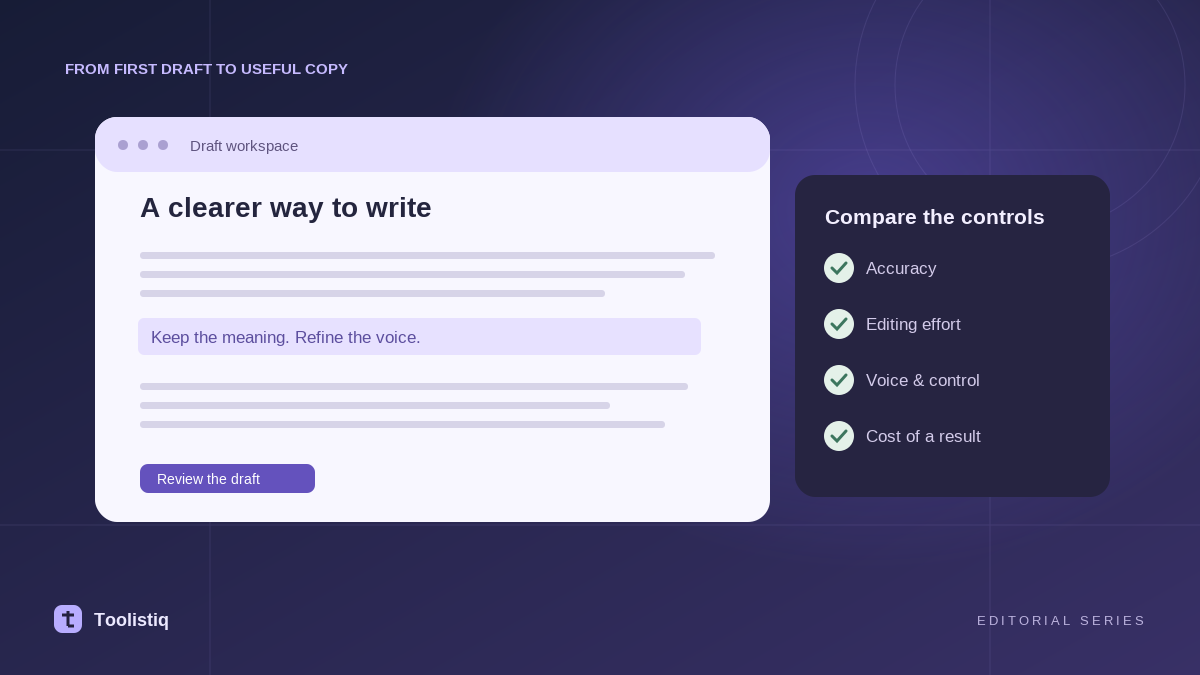
Separate drafting from editing. Start with a routine brief or an existing piece of writing, then compare how much correction is needed before publication. Keep a person responsible for factual accuracy and the final message.
Grammarly
AI writing assistant for grammar, clarity, tone, and rewriting.
- Best for
- Students, professionals, writers, teams
- Pricing
- Free plan available; paid Pro plan available
Key strengths
- Easy to use
- Useful across many writing tasks
What to consider
- Advanced suggestions require paid plan
- Not a replacement for expert editing
QuillBot
AI writing toolkit for paraphrasing, grammar, summarizing, and rewriting.
- Best for
- Students, writers, professionals
- Pricing
- Free plan available; Premium available
Key strengths
- Strong paraphrasing tools
- Simple interface
What to consider
- Free usage limits apply
- Long-form workflows may need other tools
Marketing & email: choose around your customer workflow
Decide whether you primarily need email campaigns, a customer relationship system, or a broader marketing workflow. Compare the features you will actually use and check how pricing changes with contacts and advanced capabilities.
HubSpot
CRM, marketing, sales, service, and automation platform for growing businesses.
- Best for
- Small businesses, sales teams, marketing teams
- Pricing
- Free CRM available; paid plans available
Key strengths
- Large integrated ecosystem
- Strong free CRM
What to consider
- Advanced plans can become expensive
- Setup can be complex for larger teams
MailerLite
Email marketing platform with newsletters, automations, landing pages, and websites.
- Best for
- Creators, small businesses, email marketers
- Pricing
- Free plan available; paid plans available
Key strengths
- Beginner-friendly
- Strong free plan
What to consider
- Some advanced features require paid plans
- Less enterprise-focused than larger suites
GetResponse
Email marketing and automation platform with landing pages, funnels, and AI features.
- Best for
- Email marketers, creators, small businesses
- Pricing
- Paid plans; trial available
Key strengths
- Strong automation features
- Broad marketing toolkit
What to consider
- Pricing rises with list size
- Some advanced features require higher tiers
SEO: distinguish research from content production
Researching search opportunities and preparing optimized content are different tasks. Choose the workflow that matches your bottleneck. Tool suggestions and editorial ratings do not guarantee search rankings; useful, accurate content still needs your judgment.
Semrush
SEO and digital marketing suite for keywords, competitors, content, and visibility.
- Best for
- SEO professionals, agencies, marketers
- Pricing
- Free access available; paid plans available
Key strengths
- Very broad SEO toolkit
- Strong competitive research
What to consider
- Can be expensive for beginners
- Large feature set has a learning curve
Writesonic
AI writing and SEO platform for content creation, optimization, and search visibility.
- Best for
- SEO teams, marketers, content creators
- Pricing
- Paid plans; trial/free access may be available
Key strengths
- Strong SEO focus
- Useful for content teams
What to consider
- Best features require paid plans
- Important content still needs human review
Frase
SEO content platform for research, briefs, optimization, and AI-assisted writing.
- Best for
- SEO writers and content teams
- Pricing
- Paid plans; trial may be available
Key strengths
- Focused SEO workflow
- Good content brief tools
What to consider
- Less broad than full SEO suites
- Best value for content-heavy teams
Productivity: organize work before adding automation
A work management platform helps only if your team agrees how to use it. Pilot one project, with clear task ownership and a simple workflow, before moving all your operations or adding automation.
ClickUp
Productivity and work management platform for tasks, docs, projects, and AI workflows.
- Best for
- Teams, startups, project managers
- Pricing
- Free Forever plan; paid plans available
Key strengths
- Very flexible
- Strong free plan
What to consider
- Can feel complex at first
- Large feature set needs configuration
monday.com
Work management platform for projects, workflows, CRM, and team collaboration.
- Best for
- Teams, operations, project managers
- Pricing
- Free plan available; paid plans available
Key strengths
- Highly flexible
- Good visual workflows
What to consider
- Pricing grows with team size
- May require setup to fit complex workflows
Video: match the editor to your source material
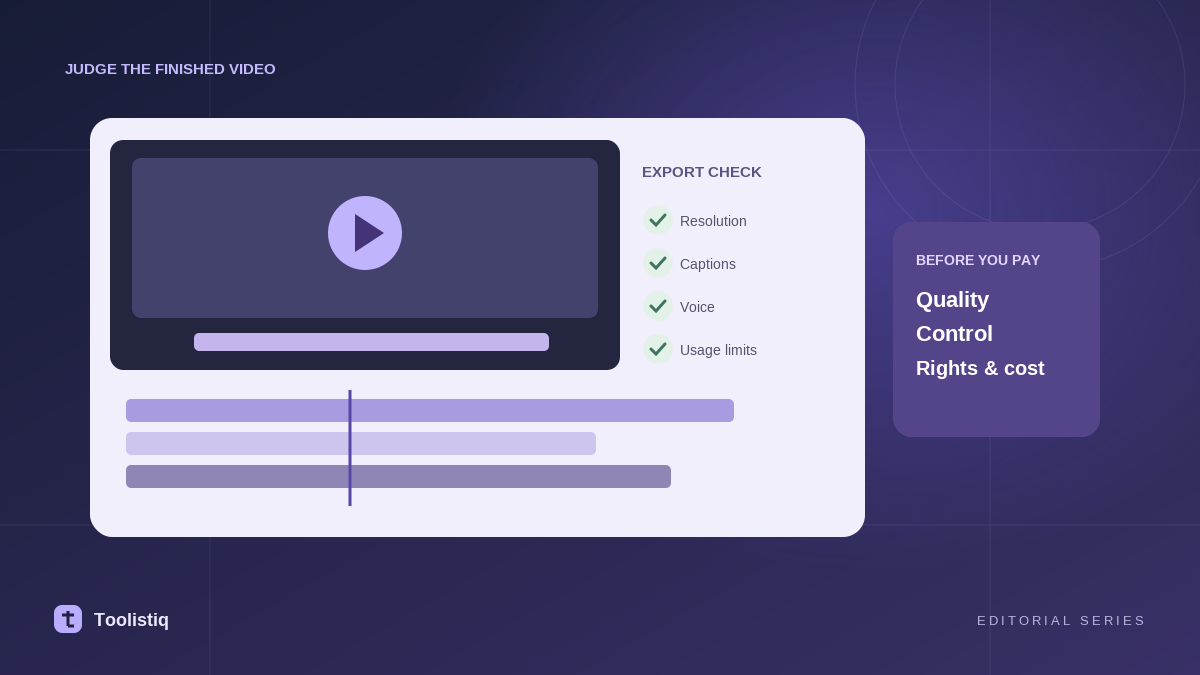
Editing recorded speech and creating a video from a script need different workflows. Test a representative project through final export, not just the preview. Check captions, revision effort, plan limits, and commercial-use permissions before committing.
Descript
AI-powered video and audio editor with text-based editing and transcription.
- Best for
- Podcasters, video creators, teams
- Pricing
- Free plan available; paid plans available
Key strengths
- Fast editing workflow
- Great for spoken content
What to consider
- Advanced usage requires paid plans
- Different workflow from traditional editors
InVideo AI
AI video generator for creating videos from prompts, scripts, and ideas.
- Best for
- Social creators, marketers, small businesses
- Pricing
- Free access available; paid plans available
Key strengths
- Fast video generation
- Good for social content
What to consider
- Free plan limitations
- AI output may require manual edits
Audio & voice: evaluate the finished recording
Try the language, pronunciation, and pace your content needs, then listen to the final output. Check usage limits and permissions directly with the provider. Use someone’s voice or likeness only with appropriate authorization.
ElevenLabs
AI audio platform for realistic speech, voice generation, and dubbing.
- Best for
- Creators, developers, media teams
- Pricing
- Free plan available; paid plans available
Key strengths
- High-quality voice output
- Strong developer options
What to consider
- Usage limits vary by plan
- Responsible voice usage is important
Murf AI
AI voice generator and text-to-speech platform for professional voiceovers.
- Best for
- Video creators, educators, marketers
- Pricing
- Free access available; paid plans available
Key strengths
- Professional voice workflow
- Useful for video production
What to consider
- Best voices/features require paid plans
- Audio still benefits from human review
Website building: consider who will maintain the site
A website is an ongoing workflow, not a one-time design. Consider who will edit pages, manage content, and handle future changes. A visual builder can complement your AI stack; its presence here is not a claim that every website feature uses AI.
Webflow
Visual website builder and CMS for professional sites without traditional coding.
- Best for
- Designers, agencies, startups
- Pricing
- Free starter access; paid site plans available
Key strengths
- Powerful visual design control
- Professional hosting workflow
What to consider
- Learning curve for beginners
- Advanced projects can become complex
How to choose the right AI stack
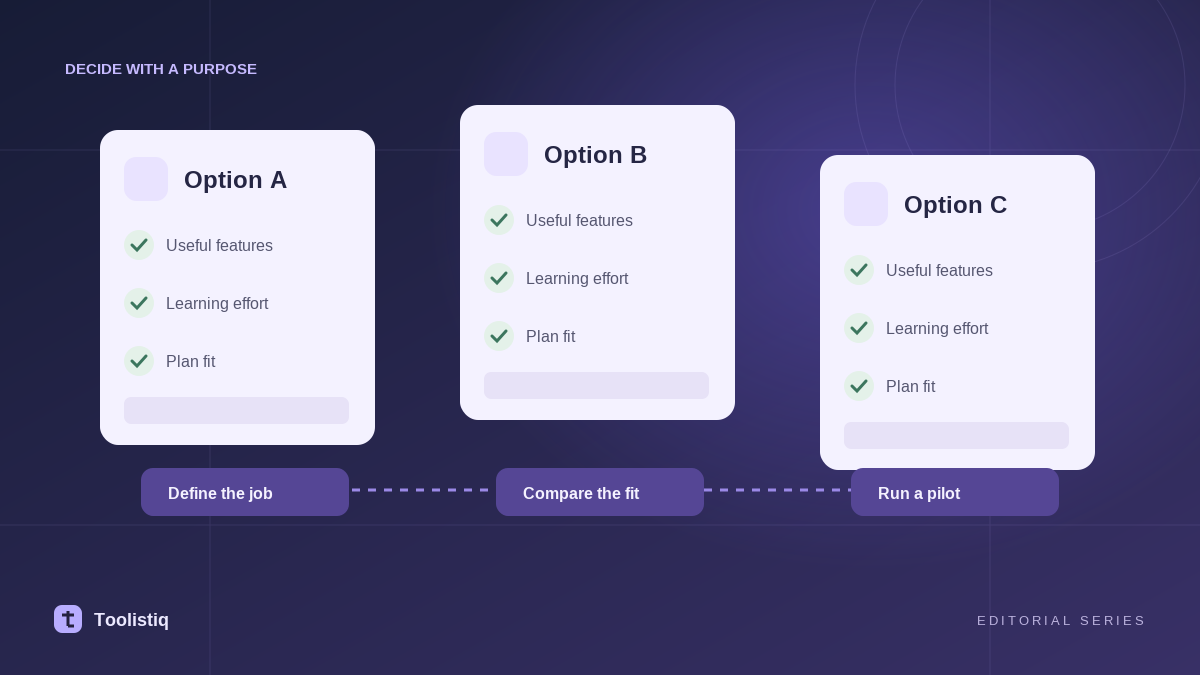
Start with your biggest bottleneck. Write down its frequency, the person responsible, and the result you want. Compare two or three options using the same input. Do not buy separate writing, marketing, SEO, and automation subscriptions simply because each looks useful in a demo.
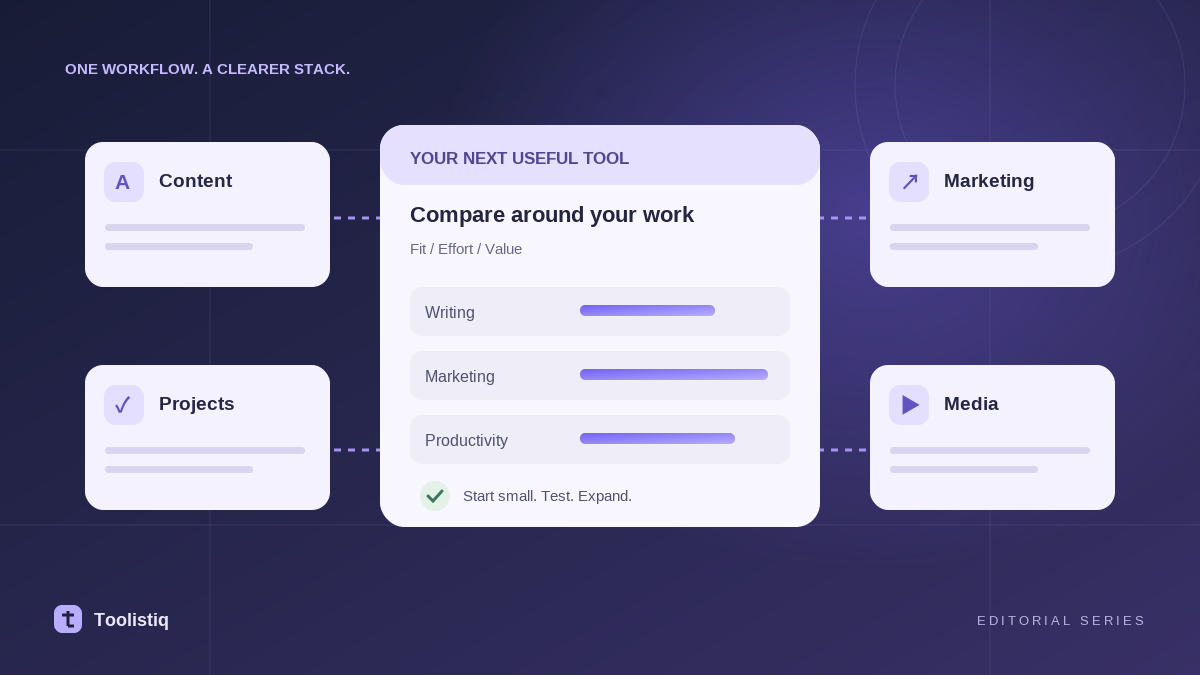
Try one workflow first. Use sample material that is appropriate to share with the provider, keep human review in the process, and record time and quality before and after. Set a decision date: adopt the tool, extend the pilot, or stop. Check export and cancellation options before a long commitment.
Add a second tool only when it solves a different problem or improves a connection between tasks. Watch for overlapping features already included in your existing plans. A smaller stack is often easier to learn, budget for, and maintain than a collection of partially used platforms.
Identify the bottleneck
Name one repeated job and the result you need.
Compare the best fit
Use the same task across a short list of tools.
Test before expanding
Measure useful results before buying more software.
Free vs paid AI tools
A free plan can help you learn an interface and test basic fit without a subscription commitment. It may limit usage, exports, seats, or advanced features. A free trial is different: access may expire or convert to paid billing under the provider’s terms. Check those terms before signing up.
A paid plan may be worthwhile when the required capability or usage level supports regular work. Confirm that the plan you are considering includes the feature you tested, and compare the full cost with the value of a reviewed, usable result. Paying more does not automatically make a tool a better fit.
Toolistiq’s free-plan and free-trial filters can narrow your shortlist. Treat catalog pricing labels as a starting point and verify current limits, taxes, renewal terms, and final pricing directly with the provider.
Free access
Useful for a pilot or light work. Check limits on usage, exports, seats, and features.
Paid access
May support sustained work or required capabilities. Verify the tier, total cost, and renewal terms.
Final recommendation: compare fit, not a universal winner
The best starting point is the smallest toolset that improves one important workflow. Choose around the work your business actually does, the people who will use the software, and the cost of a useful result. Revisit the decision after a few weeks of ordinary use.
Use Toolistiq to explore categories, open tool profiles, and compare a shortlist side by side. Our editorial ratings are one signal, not customer review scores or a substitute for testing. Verify provider details before paying, and expand your stack only when the next tool has a clear role.
Content
Prepare a useful draft.
Marketing
Share it through your existing workflow.
Productivity
Organize ownership and follow-up.
Review
Measure the outcome before expanding.