Narration is more than converting a paragraph into sound
A useful voiceover must say the right words, pronounce important terms and match the pace of the explanation around it. Murf Studio combines script-based voice generation with editing and media arrangement. That makes it relevant to lessons, explainers and narrated business content where a team wants a repeatable process rather than a one-off novelty recording.
This review concerns the Studio workflow. Murf also offers API and dubbing products, whose usage models should not be mixed into a Studio comparison. We researched the official documentation and publicly rendered Studio pricing tab, but did not generate audio, judge a private voice sample or run a listening panel. Any recommendation here is an editorial assessment of fit, not a measured claim about voice quality.
The documented Studio workflow and controls
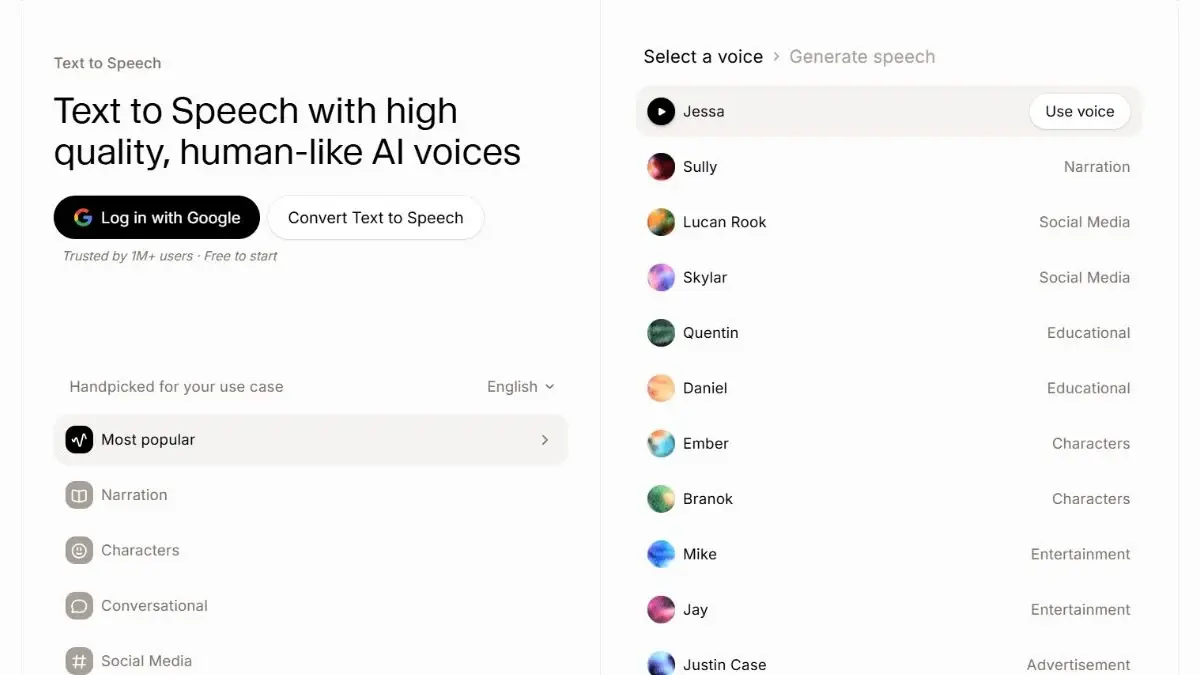
Murf’s Studio documentation describes a text editor built around blocks, a voice library and a timeline for arranging narration with media. The voice settings include pronunciation, speed and pause controls, while some more advanced direction features depend on the model or plan. These are useful capabilities to assess against your actual material instead of relying on the provider’s preferred sample script.
An e-learning team might need a consistent explanation across a series of lessons. A product marketer might need to revise a single sentence after a feature changes. In either case, ask whether the workflow makes that edit understandable and repeatable. A voice that suits a promotional introduction may not suit a dense technical explanation, and different languages should be reviewed by competent listeners rather than assumed equivalent.
Official sources: Getting familiar with Studio · Studio documentation index
A careful first voiceover evaluation
The official workflow starts with entering or importing a script, choosing a voice and adjusting the relevant settings before previewing the result. For your own pilot, use a short approved passage that contains the kinds of names, numbers and specialist terms you normally publish. Split long sentences before blaming the voice for an explanation that is difficult to follow in any format.
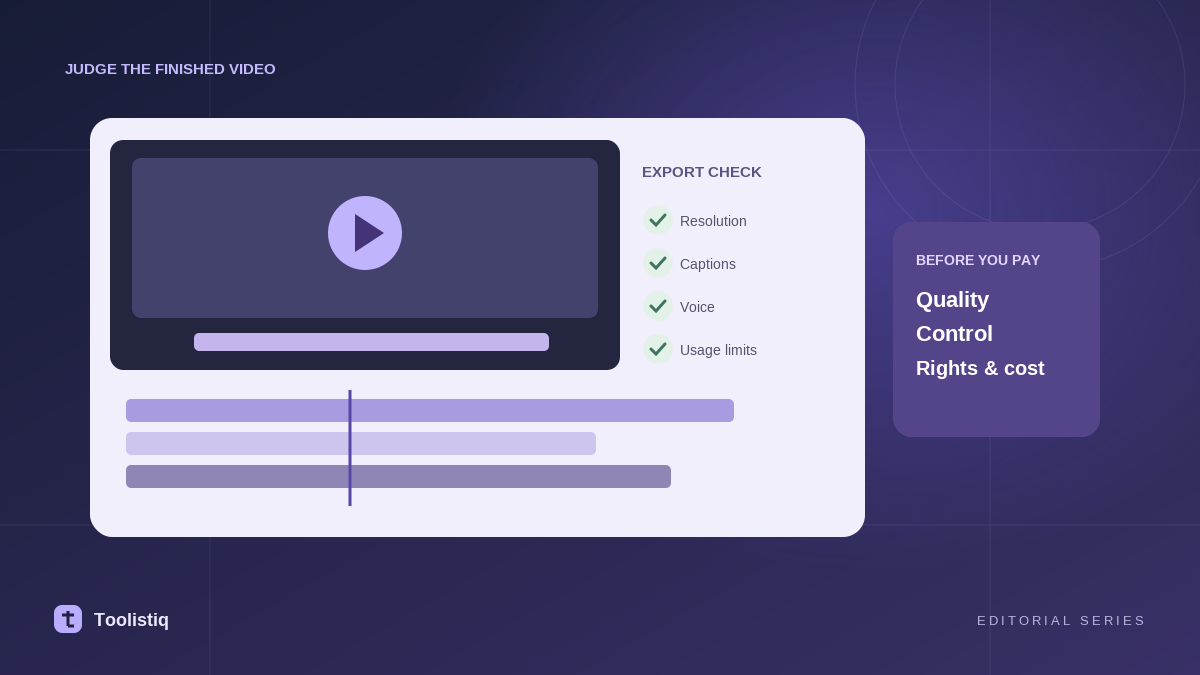
Review a short passage first and keep a written record of any pronunciation or timing decisions. If it accompanies video, check the whole explanation against the timeline rather than listening in isolation. Make one precise revision and see whether the surrounding material can remain stable. These are proposed acceptance checks; we have not performed them in a Murf account or measured the number of attempts a successful result requires.
Prepare
Approve the script and identify difficult pronunciations.
Direct
Evaluate the relevant voice and plan-supported controls.
Listen
Review the finished sequence in its intended context.
Official sources: Official voiceover-video workflow
Annual equivalents must not look like monthly commitments
The publicly rendered Studio pricing tab checked October 19, 2026 showed Creator at a $19 monthly equivalent billed $228 annually, and Business at $66 billed $792 annually. Enterprise is quoted separately. The free Studio offer displayed 10 minutes of generation with no downloads and no commercial rights. This table deliberately does not convert those annual offers into unverified month-to-month prices.
Budget for your actual narration workload and its revisions. Estimate the amount of script you must review, the people who need access and which direction controls matter. Download quantity is not the same as available generation time. Before committing annually, confirm how usage is allocated and renewed, which voice/model is included and which rights apply to client work, advertising or distribution beyond your own channel.
| Studio plan | Annual billing | Limits |
|---|---|---|
| Free | $0 preview offer | 10 minutes; no downloads or commercial rights listed |
| Creator | $19/month equivalent; $228/year | Check the included generation allocation |
| Business | $66/month equivalent; $792/year | Advanced controls are plan-dependent |
| Enterprise | Custom | Team, rights and security terms need a quote |
Creator and Business figures are annual equivalents, not month-to-month quotes. API/Dub prices are separate. Confirm current usage, rights and billing directly. Pricing is subject to change.
Official sources: Official pricing — select Studio
Who should consider Murf Studio
An educator with a stable lesson outline has a bounded task: explain a concept accurately and at a pace a learner can follow. A team maintaining product explainers has a different but equally concrete task: update narration without recreating the entire piece. For either buyer, begin with a representative script and an identified reviewer. A collection of impressive voices is less useful without that source material and approval responsibility.
Consider a different approach if the project depends on a distinctive human performance, live direction with an actor or highly sensitive material that your policies do not permit uploading. Those requirements may change the production method rather than simply the subscription tier. Verify consent and permitted uses before working with any identifiable person’s voice; the convenience of a cloning feature does not settle that question.
Separate naturalness, accuracy and permission
A narrator can sound smooth while misreading an abbreviation or emphasizing the wrong word. Evaluate accuracy and meaning before deciding whether the performance is pleasant. Keep the visual material and spoken script aligned so an edit does not leave the audience hearing an old number while seeing a new one. This is a quality-control responsibility even when a generation tool provides detailed settings.
Commercial-use language also needs the correct context. The free offer’s restrictions should not be ignored because another promotional page uses broad wording about business use. Use the terms attached to the plan and intended project, and resolve uncertainty with the provider before distribution. We do not make a blanket legal clearance claim for generated audio, voices, imported media or every form of advertising.
Compare voices and editing models fairly
ElevenLabs is a relevant alternative to investigate for voice workflows; the existing Toolistiq review explains its own pricing and rights considerations. Descript belongs in the conversation when editing recorded material is central. These are practical comparison points, not a claim that one product produces universally better audio. Run the same representative script through an authorized evaluation when the account and terms permit it.
Choose the workflow that gives a reviewer useful control over the final explanation. Note whether a name can be corrected consistently, whether a small script edit is manageable and whether the export fits the destination. Keep any observations tied to the tested voice, model and date. A careful sample can inform a purchase; it should not be expanded into a universal promise about every voice or future version.
Explore the official product workflow
The cover is an original Toolistiq editorial illustration, not a product interface. This review draws on public documentation and provider materials rather than hands-on testing. Explore the official walkthroughs below, then use the practical checklist above to assess the workflow against your needs.
Official sources: Getting familiar with Studio · Studio documentation index · Official voiceover-video workflow
Our editorial verdict
Murf Studio is worth evaluating for structured narration when you can supply a checked script and a person to review the finished audio. Its value depends on how well the available voice and controls fit your material, not a generic claim of human-like speech. Choose a paid plan only after confirming export, usage and commercial terms; consider alternatives when expressive performance or a different editing model is the main requirement.
Use the catalog profile below as a route to the provider and a starting point for your own evaluation. Check the current plan, included features and renewal terms before committing. A qualified trial should answer the specific questions raised here; an attractive demonstration alone is not a reason to buy.
Murf AI
- Best for
- Educators and content teams creating repeatable narration from an approved script.
- Pricing
- The official-source pricing snapshot is explained above. Check the provider for the current quote, billing period, taxes and included usage.
Key strengths
- The documented Studio workflow connects script blocks, voice selection and a media timeline.
- Pronunciation, pauses and related controls provide concrete evaluation criteria.
- A limited preview can help establish workflow fit before committing to a paid export plan.
What to consider
- The free Studio offer lists no downloads and no commercial rights.
- Advanced direction controls and collaboration depend on the selected tier.
- A convincing sample voice does not establish quality for your script or language.
Explore Murf AI (opens in a new tab)
Affiliate link: Toolistiq may earn a commission from a qualifying purchase. This does not change the editorial verdict.
View Details for Murf AI →