Useful when the source material is already worth watching
Many organizations have more useful written material than usable video. A guide, lesson or explanation may be a strong starting point, but adapting it requires shorter language, appropriate visuals and a sensible pace. Pictory offers a text-led video creation workflow aimed at that gap. Its appeal is most concrete when there is already a message to communicate rather than an expectation that the tool will invent a content strategy.
This is a documentation-led review of the official workflow and public plan information. We have not generated or exported a Pictory video, timed an editing task or assessed a private account. The article therefore separates documented capabilities from a proposed evaluation checklist. It does not claim that a finished video will improve reach, conversions or production speed by a particular amount.
Text-to-video still requires scene-level judgment
Pictory’s text-to-video material describes using written input to assemble a video that can be refined in an editor. Its official product-demo guide explains choosing the relevant creation route, replacing visuals, applying brand settings and checking captions. Those steps make the product relevant to repurposed explainers, social clips and structured educational material, subject to the current plan.
The important distinction is between an illustrative scene and product evidence. A stock clip of a meeting can introduce a topic; it cannot demonstrate how your application behaves. If the viewer needs to see a specific control, provide a rights-cleared recording of that control. The product’s convenience should not tempt a publisher to label unrelated or generated imagery as a real demonstration.
Official sources: Text-to-video overview · Official product-demo walkthrough
A practical script-to-scene evaluation
The official demonstration workflow starts from source material, selects an appropriate creation route and then refines the resulting scenes. For your own pilot, choose a short approved explanation with one clear audience and outcome. Split it into ideas that can each be shown or explained. Remove internal references and any statement that relies on context the viewer will not have.
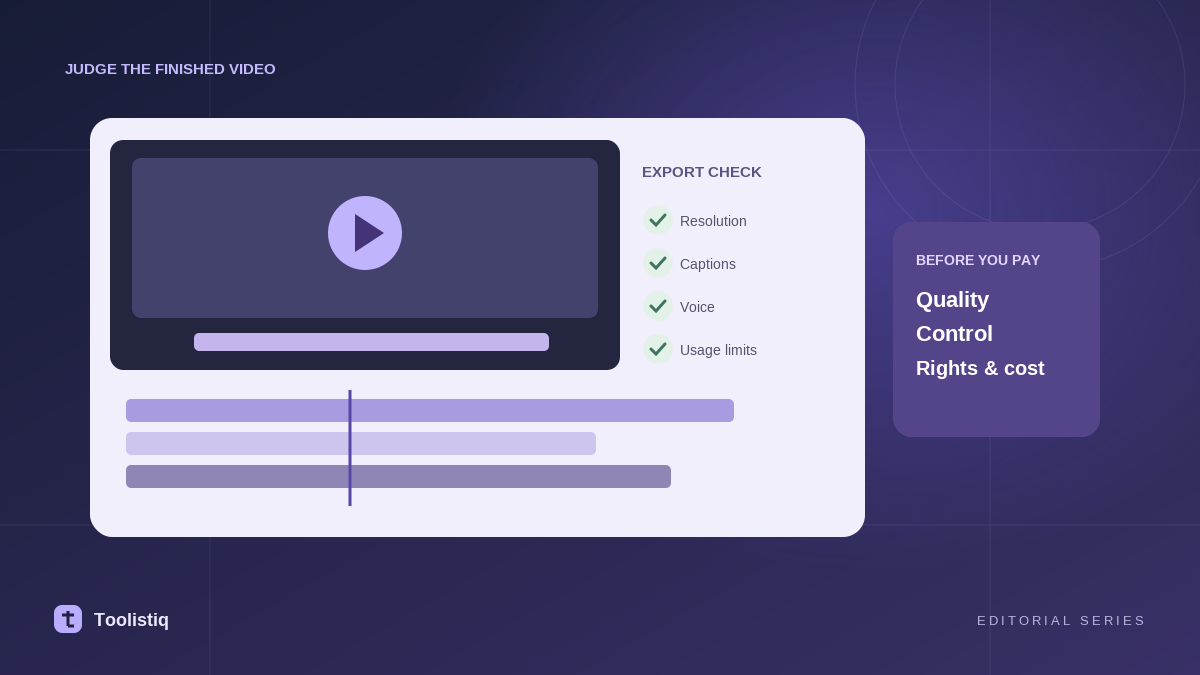
Review each scene against the script rather than judging only the opening frame. Replace an irrelevant visual, check the caption wording, and listen to names and numbers in the narration. Then review the whole sequence with sound off and on. Export only after you have verified format and usage permissions. These are recommended checks based on the documented workflow, not a claim that Toolistiq completed a test project.
Adapt
Turn an approved explanation into a concise script.
Inspect
Check each scene, caption, narration and asset source.
Approve
Review the export and intended use before publishing.
Plan prices are only part of a video budget
The public monthly cards checked October 19, 2026 listed Starter at $29, Professional at $59 and Team at $199, with Enterprise quoted separately. The page also contained annual and promotional offers. Use the table as a dated monthly snapshot, not a permanent advertised minimum. A trial is available, but its exact allowances and export conditions should be checked in the live offer.
Different resources can limit a project at different points. Finished-video minutes, premium voice usage, storage and generative-media credits are not interchangeable. Estimate a normal month of projects and include likely corrections rather than assuming every first draft will be accepted. For a team, verify seats, brand-kit needs and asset-sharing requirements before treating an individual subscription as a collaboration solution.
| Plan | Monthly USD | Budget |
|---|---|---|
| Starter | $29/month | Check project volume and voice/credit allowances |
| Professional | $59/month | Assess added editing and media needs |
| Team | $199/month | Check seats, shared assets and brand requirements |
| Enterprise | Custom | Agree capacity and support separately |
Confirm current plan names, credit allocation, voice minutes, storage, export rights and trial conditions. Included capacities may change. Pricing is subject to change.
Official sources: Current pricing
Where Pictory belongs in a content operation
A publisher repurposing a clear article into a short introduction has a defined source and a bounded editing task. An educator preparing a recap can similarly judge whether each scene explains one idea. In these cases, use the existing material as an accuracy anchor. Evaluate whether the visual choices support the message and whether the viewer can follow it without already knowing the original article.
Consider a different production workflow when the project depends on original interviews, precise screen recordings or detailed motion design. Those requirements do not disappear because a script can be imported. You may still use a text-led tool for a segment, but do not buy it on the assumption that every creative or evidentiary need fits the same template.
Quality control and rights are part of the work
The advantage of a structured assembly workflow is that a content owner can evaluate script, scene and narration together. Its limitation is that a coherent-looking first draft may conceal factual mismatches. A caption can preserve the words while losing an important qualification; a visual can look polished while suggesting the wrong product or setting. Make the reviewer responsible for those decisions, not simply for spotting spelling errors.
Keep an asset ledger for any project that will be reused or handed to a client. Record what material you supplied, what library assets were selected and which terms applied at export. For narration, verify the selected voice and commercial conditions separately. A predictable approval and record-keeping process is more valuable than a promise that video creation requires no editorial work.
Separate editing, narration and content-generation needs
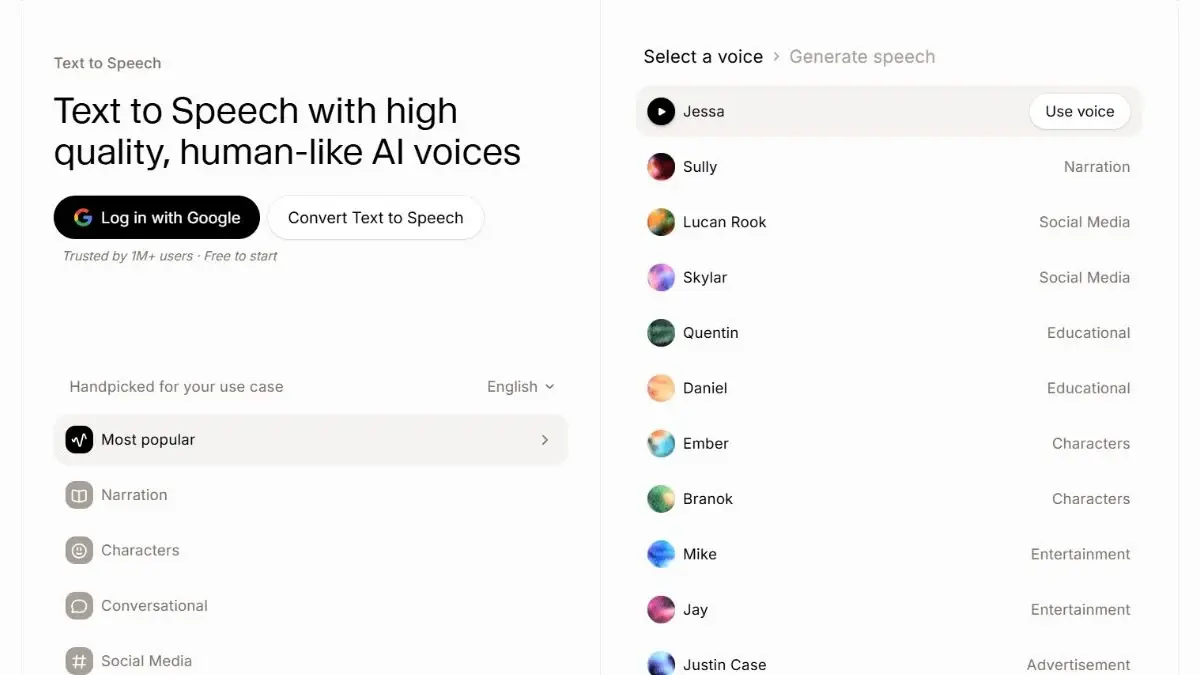
Descript is a useful catalog comparison when the work begins with recorded material and editing is central. Murf AI is relevant when narration itself is the difficult part, rather than scene assembly. The related Toolistiq reviews explain how to assess those different jobs without assuming that every video or voice product is a substitute for the others.
Use the same brief when comparing tools, but allow a fair workflow for each. Record which parts of a representative project remain manual and whether you can revise a single element without rebuilding the rest. Choose Pictory if its text-led approach fits the work you repeatedly publish; keep another editor or production method when the source footage and edit control are the real requirements.
Explore the official product workflow
The cover is an original Toolistiq editorial illustration, not a product interface. This review draws on public documentation and provider materials rather than hands-on testing. Explore the official walkthroughs below, then use the practical checklist above to assess the workflow against your needs.
Official sources: Text-to-video overview · Official product-demo walkthrough
Our editorial verdict
Pictory is a sensible shortlist candidate when you already have useful written or recorded material and need a repeatable video format. The decision should depend on how much scene correction, caption review and licensing work a representative project needs. Consider a different workflow when precise original footage, advanced editing or documentary evidence matters more than text-led assembly.
Use the catalog profile below as a route to the provider and a starting point for your own evaluation. Check the current plan, included features and renewal terms before committing. A qualified trial should answer the specific questions raised here; an attractive demonstration alone is not a reason to buy.
Pictory
- Best for
- Content marketers and educators with approved source material and a repeatable short-video format.
- Pricing
- The official-source pricing snapshot is explained above. Check the provider for the current quote, billing period, taxes and included usage.
Key strengths
- A text-led route can suit repurposing existing, approved material.
- Documented scene editing supports a review step between script and export.
- A structured video brief makes stock, captions and narration easier to evaluate together.
What to consider
- Automatically suggested visuals still need relevance and rights review.
- Video minutes, generated-media credits and premium-voice usage are different budgets.
- A script-to-video tool is not a replacement for filming product-specific evidence.
Explore Pictory (opens in a new tab)
Affiliate link: Toolistiq may earn a commission from a qualifying purchase. This does not change the editorial verdict.
View Details for Pictory →